
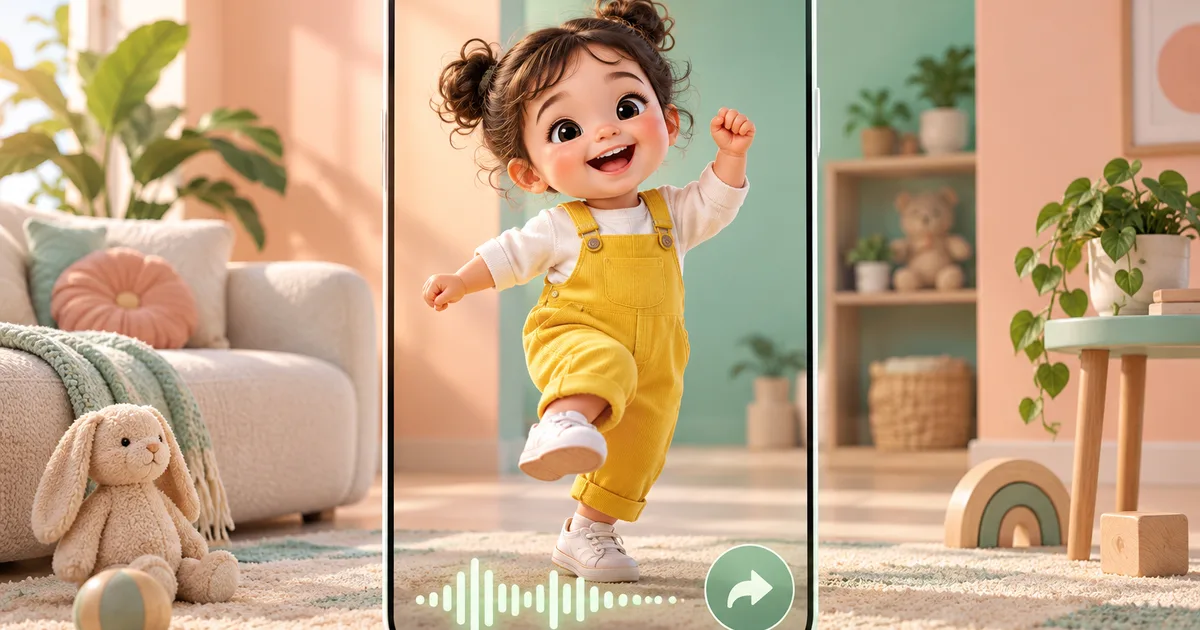
How to Make Viral Baby Dance AI Video - Complete Tutorial 2026
Learning how to make a viral baby dance AI video is one of the fastest ways to grow a TikTok or Instagram account in 2026. These short, high-energy clips of animated babies dancing to trending music consistently rack up millions of views, shares, and saves. The good news is that you do not need a real baby, a professional camera, or video editing experience to create them. With the right AI tool, a solid music choice, and a smart posting strategy, you can generate content that spreads organically across social platforms. This tutorial walks you through every step from creation to publishing.
What Makes Baby Dance AI Videos Go Viral
Before you open any tool, it helps to understand the psychology behind why these videos perform so well. Baby content triggers an involuntary positive response in most viewers. Pair that with catchy, recognizable music and an unexpected or humorous dance move, and you have a formula that encourages shares.
The key viral ingredients in successful baby dance AI videos are:
- Relatability: Viewers tag parents, siblings, and friends because the content feels personal
- Sound-synced motion: When the baby's movements match the beat precisely, the video feels satisfying and polished
- Surprise factor: Unusual song choices, unexpected genres, or exaggerated moves create a "you have to see this" reaction
- Short duration: Videos between 8 and 20 seconds get replayed more often, which signals the algorithm to push them further
- Trend alignment: Using a song that is currently on the TikTok trending audio list gives the video instant discoverability
Understanding these factors lets you make deliberate creative choices rather than guessing what will work.
Step-by-Step Creation Tutorial Using AIKissVideo
The fastest way to produce a high-quality baby dance AI video is with AIKissVideo.app, which handles the AI animation, lip sync, and motion generation in a single workflow. Follow these steps exactly.
Step 1 - Choose or Upload Your Baby Photo
Start at the AI Baby Dance Generator page. You can either upload a photo of a real baby (with permission) or use one of the stock photos available in the tool. For best results:
- Use a front-facing photo with a clear view of the face
- Ensure good lighting with no heavy shadows across the face
- Choose a photo where the baby looks forward or slightly to one side
- Avoid photos with multiple subjects in the frame
Step 2 - Select Your Dance Style
AIKissVideo offers the AI dance effect that animates your baby photo with expressive, beat-matched motion. The AI automatically selects the most natural-looking dance animation for your photo.
Step 3 - Generate the Video
Click generate and wait for the AI to process — it typically completes in under 30 seconds. Review the preview carefully before downloading.
Step 4 - Add Music and Prepare for Upload
After downloading your AI baby dance video, add trending music using CapCut or your preferred video editor before posting. See the music section below for specific recommendations on which tracks perform best.
Step 5 - Download and Prepare for Upload
Download the MP4 file. Before posting, review the following:
| Checklist Item | Why It Matters |
|---|---|
| Motion matches the beat drops | Increases rewatch rate |
| Video is 9:16 aspect ratio | Required for TikTok and Reels full-screen |
| Duration is under 20 seconds | Optimizes completion rate |
| Audio is clear with no clipping | Poor audio causes scroll-past behavior |
If you need to try different approaches, the Free AI Baby Dance page lets you experiment without committing to credits.
Best Music Choices for Baby Dance Videos
Music selection is the single biggest lever for viral performance. The algorithm surfaces videos using trending audio to users who have already engaged with that sound. This built-in discovery mechanism can significantly multiply your reach compared to using obscure tracks.
Currently Performing Well in Early 2026
| Track Type | Why It Works | Dance Style Match |
|---|---|---|
| Phonk beats (slowed and reverbed) | Heavy bass hits are easy to sync | Full-body shuffle |
| Brazilian funk edits | High energy, distinct rhythm | Hip hop groove |
| Classic cartoon themes remixed | Nostalgia plus humor combination | Bounce or head bop |
| Afrobeats hits | Consistent BPM, rhythmically satisfying | Arm wave or groove |
| Y2K pop remixes | Trend nostalgia for millennial parents | Any style |
Practical Music Tips
- Open TikTok and tap the magnifying glass. Search your niche topic and filter by "This Week." Note which songs appear in the top 10 results.
- Aim for tracks between 95 and 130 BPM. This range produces the most natural-looking baby motion in AI generation.
- Cut your clip to begin just before a beat drop or chorus. The first three seconds determine whether someone scrolls past or keeps watching.
- Avoid copyrighted music if you plan to monetize. Use TikTok's commercial sound library or royalty-free platforms like Pixabay Audio or Free Music Archive as alternatives.
Hashtag Strategy for TikTok and Instagram
Hashtags remain an active discovery mechanism on both platforms in 2026, but the strategy differs between them.
TikTok Hashtag Approach
Use a three-tier structure in every caption:
Tier 1 - High volume (1 tag): #BabyDance, #FunnyBaby, or #CuteBaby. These have 500M+ views but high competition.
Tier 2 - Mid volume (2-3 tags): #AIDance, #AIBabyVideo, #BabyDanceChallenge. These have 10M-100M views and moderate competition.
Tier 3 - Niche (2-3 tags): #AIBabyDance, #BabyGroove, #DancingBaby2026. These have under 10M views but attract highly engaged audiences.
A sample caption with this structure:
This baby has better moves than me #BabyDance #AIBabyVideo #AIDanceChallenge #BabyGroove #DancingBaby2026
Instagram Hashtag Approach
Instagram Reels perform better with slightly fewer, more targeted hashtags. Aim for 8 to 12 total. Prioritize:
- Parent and family community tags: #MomLife, #ParentingHumor, #BabyMilestones
- AI content tags: #AIVideo, #AIArt, #AIContent
- Specific dance tags: #BabyDance, #DancingBaby, #FunnyBabyVideos
Optimal Posting Times and Frequency
Timing affects initial velocity. The algorithm judges content performance in the first 30 to 60 minutes after posting. Publishing when your target audience is active gives the video the best chance of gaining early engagement.
Best Times to Post by Platform
| Platform | Best Days | Best Time Windows (Local) |
|---|---|---|
| TikTok | Tuesday, Thursday, Friday | 7 AM - 9 AM, 7 PM - 10 PM |
| Instagram Reels | Wednesday, Friday, Saturday | 8 AM - 11 AM, 6 PM - 9 PM |
Posting Frequency Recommendations
For a new account: Post one baby dance AI video per day for the first 30 days. Consistency signals to the algorithm that you are an active creator and increases the likelihood of being featured in the For You Page.
For an established account: Two to three posts per week maintains momentum without saturating your audience. Repurpose the same video across TikTok, Instagram Reels, and YouTube Shorts to maximize reach per piece of content.
Editing Tips and CapCut Integration
While AIKissVideo produces ready-to-post videos, a few light edits can significantly improve performance.
CapCut Workflow
- Import your AI baby dance video into CapCut
- Add captions using the Auto Captions feature. Videos with text tend to have significantly higher completion rates because they work without sound
- Apply a subtle vignette to draw attention to the baby and away from the background
- Add a one-second freeze frame at a peak dance moment. This creates a natural loop point that increases rewatch metrics
- Export at 1080p with the original aspect ratio preserved
Caption Writing for Viral Potential
Your on-screen text or caption should do one of these things: pose a relatable question, make a bold humorous claim, or set up a punchline. Examples:
- "My baby when I put on my workout playlist vs their playlist"
- "Hired this baby as my personal hype team"
- "POV: you're the baby's favorite song"
Examples of Viral Baby Dance Content
Studying successful examples helps you reverse-engineer the formula. The following patterns have consistently produced high-view videos:
- Genre mismatch: A baby dancing to a heavy metal intro or opera excerpt. The unexpected contrast is inherently shareable.
- Reaction format: Baby "reacting" to different music genres with different dance moves edited together in a split format
- Transformation video: Before (baby sitting still) and after (baby dancing) format using the same photo
- Dance battle framing: Two AI baby videos placed side-by-side with a score counter overlay
For more creative direction, the AI Baby Dance Prompt Guide covers how to use specific prompts to get the most expressive motion results from the generator.
Common Mistakes to Avoid
Even well-made videos can underperform because of avoidable errors.
- Using low-resolution source photos: The AI needs detail to animate convincingly. A blurry photo produces jerky, unnatural motion.
- Ignoring the first three seconds: If the video does not deliver immediate visual interest, viewers scroll. Start at the most energetic moment, not the beginning.
- Posting at inconsistent times: The algorithm rewards predictability. Posting at random hours reduces your baseline reach.
- Using the same hashtag set every time: Rotate your hashtag combinations to reach different audience segments and avoid being flagged for repetitive behavior.
- Skipping the caption: Videos with no text in the caption receive less discovery surface area. Always include a short, engaging caption and your hashtag tiers.
- Over-editing: Heavy filters or excessive effects can make AI-generated videos look artificial in a distracting rather than charming way. Keep edits minimal.
For a deeper look at the full creation process, the How to Make AI Baby Dance Video Complete Guide covers advanced techniques including batch creation for content scheduling.
Frequently Asked Questions
Do I need to own the baby photo to use it?
You should only use photos of babies you have explicit permission to use. This includes your own children, photos shared with permission by other parents, or stock photos with appropriate commercial licenses. Never use photos of other people's children without consent.
How long does it take to generate a baby dance AI video?
On AIKissVideo.app, generation typically completes in under 30 seconds.
What video length performs best on TikTok?
Videos between 8 and 18 seconds have the highest average completion rate for baby dance content. Completion rate is one of the strongest signals TikTok uses to determine how widely to distribute a video.
Can I use AI baby dance videos for commercial purposes?
This depends on the platform terms and the licensing of the music used. Always use royalty-free or commercially licensed music for monetized content. Review the terms on AIKissVideo for details about commercial usage rights.
Why is my video not getting views even with good hashtags?
The most common reasons are posting at low-traffic times, a weak first three seconds, or using audio that is not currently trending. Try reposting the same video at a peak time window with a different trending audio track to test whether the issue is timing or content.
Is there a free option to try before paying?
Yes. The Free AI Baby Dance page offers a limited number of free generations so you can test the tool and experiment with different photo and music combinations before committing.